
Your limits, enforced
Budget caps, a maximum change per step, cooldowns, protected campaigns and one switch that pauses all changes. All checked on the server.
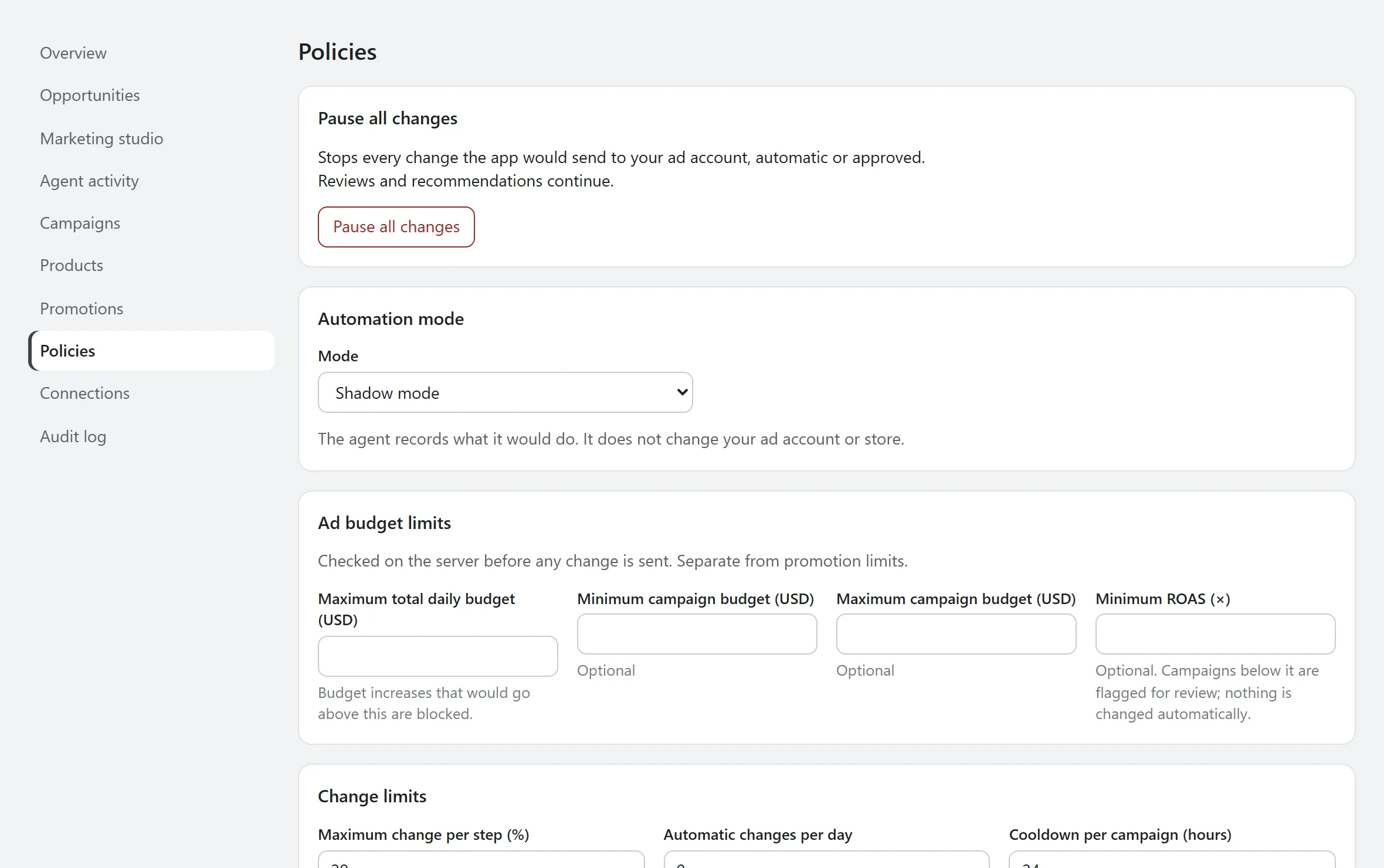
What it does
Policies are the rules the agent can't argue with: how much total daily budget is allowed, the smallest and largest campaign budget, how far one change can move, how long a campaign rests between changes, and which campaigns are off limits.
Why it matters
Automation is only worth having if you can say exactly how far it may go, and stop it at once. The limits come before any optimisation.
How it works
- Choose a mode: shadow, approval required, or limited automatic.
- Every proposed change is checked on the server, and again when you approve it, using fresh data.
- Budget increases always need your approval, in every mode.
- One switch pauses every change, automatic or approved. Reviews and recommendations continue.
Where it stops
- The defaults are shadow mode, a 20% maximum change per step, a 24-hour cooldown and no automatic changes.
- Limited automatic mode covers low-risk decreases and pauses only, and is part of the Growth and Pro plans.
- Promotion limits are set separately from ad budget limits, because they're different kinds of money.
Test a change against your limits
Assumes $50 of other active daily budgets and a channel that accepts budget changes. Nothing is sent anywhere.
See what it would do before it does anything.
AgenAds isn't on the Shopify App Store yet. The demo runs the app's real discount, policy and copy checks, so you can test the logic today.